


Bonuskong Mobile App
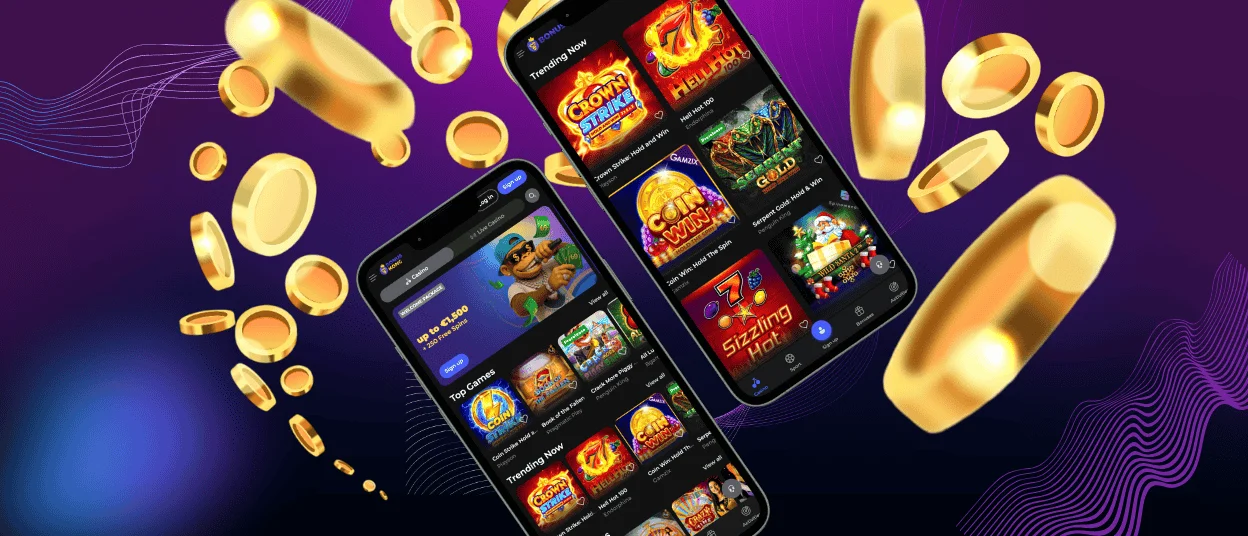
The Bonuskong app makes it easy to play your favorite casino games on your phone or tablet, no matter where you are. This progressive web app lets you play games on your phone or tablet, but it has all the features of a desktop platform. Players can quickly get to bonuses and move around the site without having to download large files or take up space on their devices.



Advantages of Bonuskong App
The Bonuskong mobile app has a lot of unique features that make the gaming experience better. The app works perfectly on both iOS and Android devices, so you can use it on any platform you want.
| Feature | Mobile App | Desktop Version |
| Instant Access | Launch from home screen icon | Requires browser navigation |
| Storage Required | Minimal (PWA technology) | Browser cache only |
| Push Notifications | Available for bonuses and updates | Limited browser notifications |
| Touch Optimization | Native touch controls | Mouse and keyboard only |
The mobile interface works perfectly on smaller screens without affecting the quality or functionality of the games. Touch-optimized controls make it easier to spin online slots and place bets than it would be to use a mouse.
This is a helpful feature that allows players to receive instant notifications about new game releases, bonus opportunities, and promotions that are available to them. Because it is built on a lightweight PWA architecture, the application will automatically update itself without requiring any action on your part. This way, you can always get the newest features and better security.
Bonuskong Application for PC or Mac
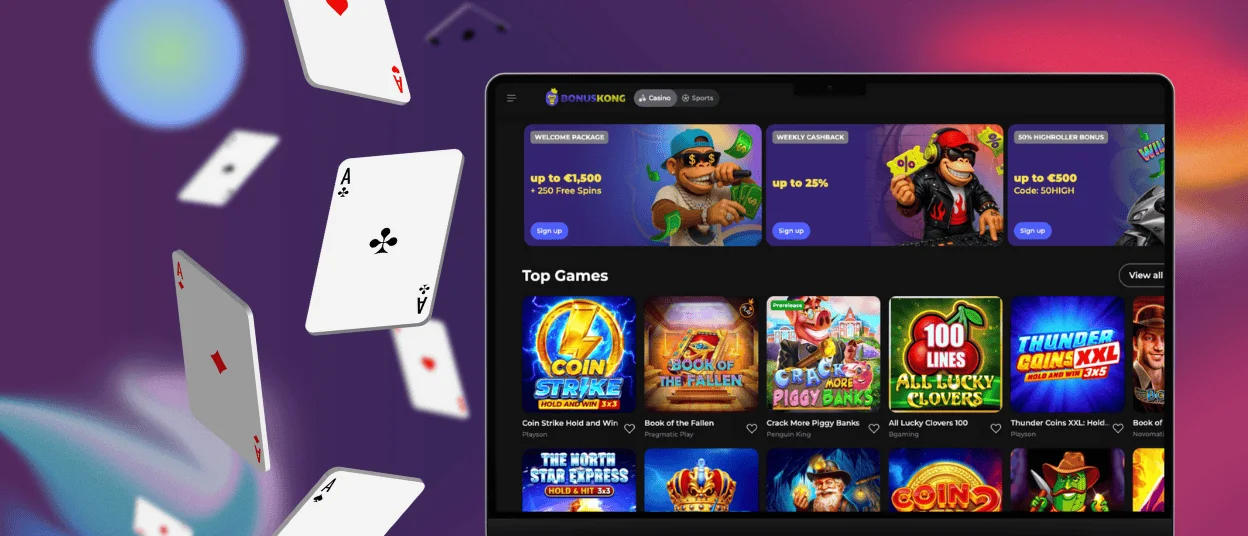
PC users can play Bonus Kong in any modern web browser, so they don’t need to install any extra software. Chrome, Safari, Firefox, and Edge are the browsers that work best with the platform. It works the same way on all operating systems.
Start up your favorite web browser and go to the Bonuskong website. No matter if you’re using a laptop, a desktop monitor, or a widescreen display, the responsive design will change to fit your screen size.
The desktop version of the game is better for people who like bigger screens and more traditional ways to control the game. It is easier to keep track of multiple bets or watch live dealer tables when the viewport is bigger because it shows more game information at once. A touchscreen doesn’t give you all the control options that a keyboard shortcut or a precision mouse does.
When you play games for a long time on a Mac, the energy-saving features of Safari are helpful because they make the battery last longer. Windows PC users can get smoother graphics in slot games that need a lot of visual power with Chrome’s hardware acceleration.
How to Play Bonus Kong on iPhone and iPad
iOS users can get to the Bonuskong casino through a website shortcut that works like an app on their phone. This method lets you use all of the app’s features without having to download anything from the App Store or install anything specific to iOS.
Step-by-Step iOS App Installation
Safari has tools that make it easy to add Bonuskong to the home screen of your iPhone or iPad. It will take you less than a minute. This creates an icon that opens the platform in full-screen mode, eliminating browser toolbars for a more immersive gaming experience.
- Launch Safari on your iOS device and go to the Bonuskong site.
- Tap Share in the middle of the bottom. After clicking on the iOS sharing menu, a lot of options will show up.
- Scroll down the menu until you find “Add to Home Screen.”
- Change the shortcut name and tap Add in the top right corner. Your home screen will display the Bonuskong icon with your other apps, making it easy to access the platform with one tap.
The shortcut opens the full gaming platform in an iOS-optimized window. If you experience any issues while installing the app or completing the verification process, feel free to contact our support team through live chat or email.
Downloading and Using the App on Android
Android users can use Chrome to create a shortcut to Bonuskong on their home screen. This progressive web app method eliminates third-party app stores while retaining all features.
- Open the Chrome browser and go to the Bonuskong website.
- In the upper right corner of the browser, tap the “More” menu icon, which looks like three vertical dots.
- Choose “Add to home screen.” Chrome will give you a name for the shortcut, which you can change to whatever you want before you confirm.
- To finish, tap Add. The Bonuskong icon will show up on your home screen or in your app drawer.
FAQ
Does the Bonuskong app require a large download?
No, Bonuskong doesn’t need a lot of space because it uses progressive web app technology. You can install the app through your browser as a shortcut on your home screen. It usually takes up less than 5MB of space on your device. You won’t have to give up space for photos, videos, or other apps.
Can I access all games through the mobile app?
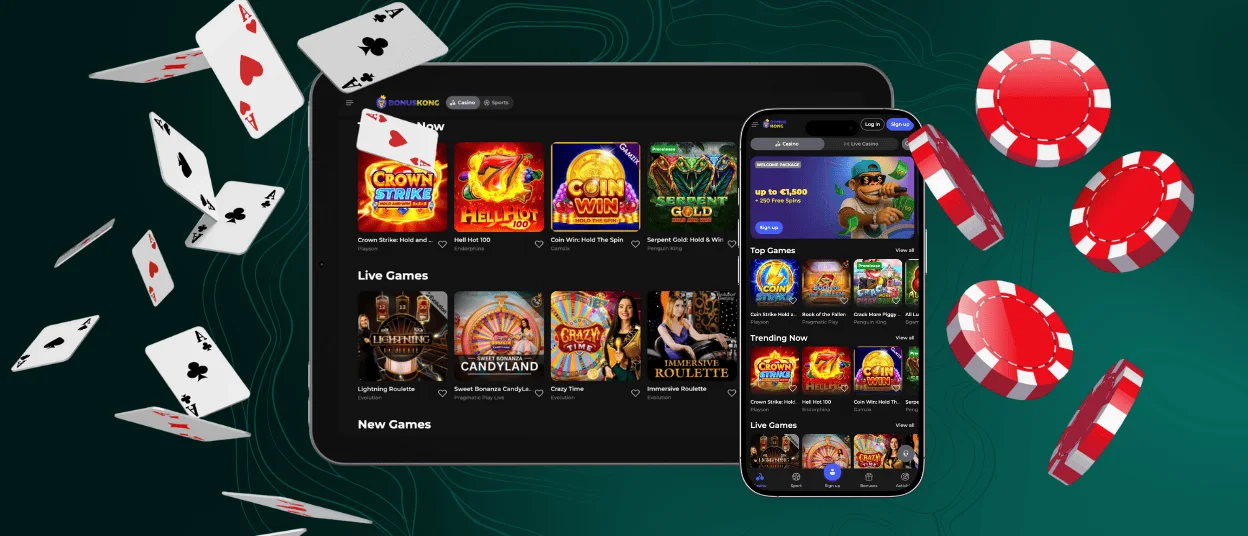
Yes, the mobile casino provides access to the complete Bonuskong game library. All slots, table games, and live dealer options available on desktop also function on mobile devices. The interface adapts game controls for touchscreen interaction without removing features or limiting selection.
Will the app drain my phone battery quickly?
Bonuskong’s battery optimization features reduce power use while playing. Standard slot play uses as much battery as streaming videos. During long play sessions, reducing screen brightness and closing background apps extends battery life.


